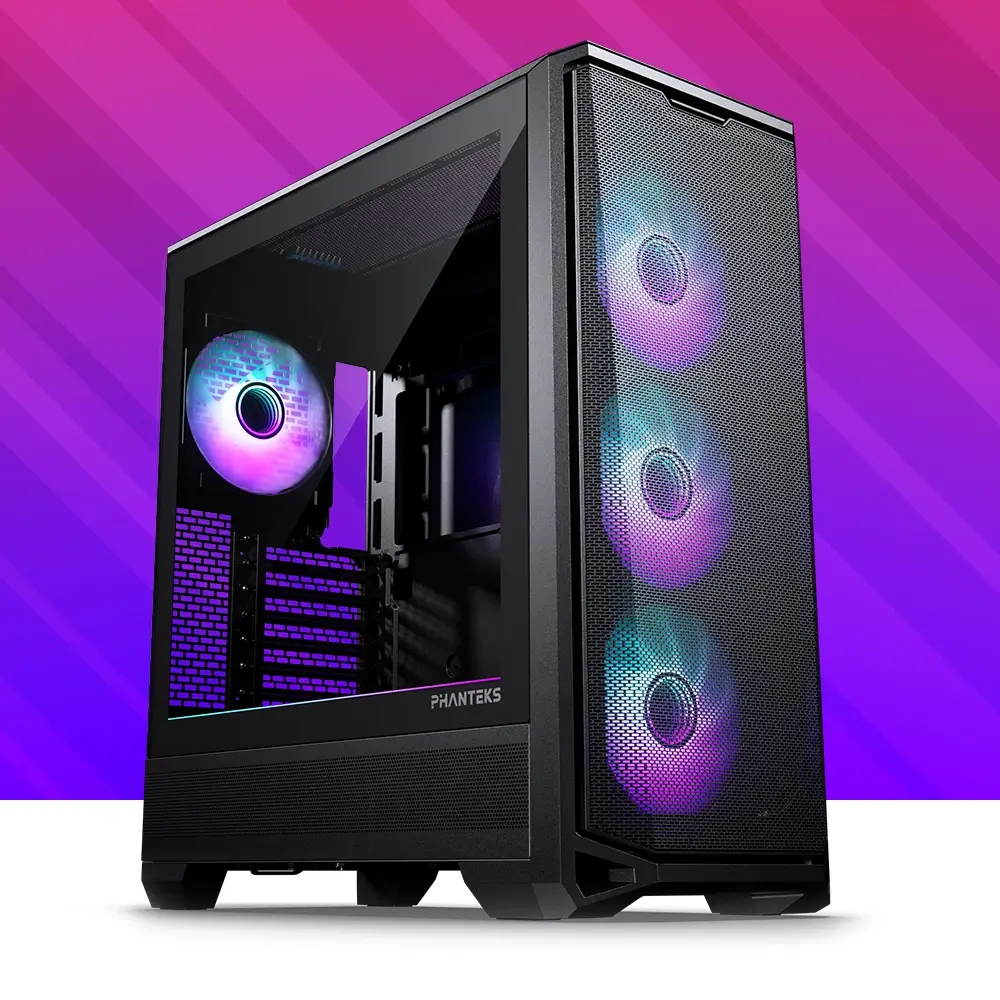
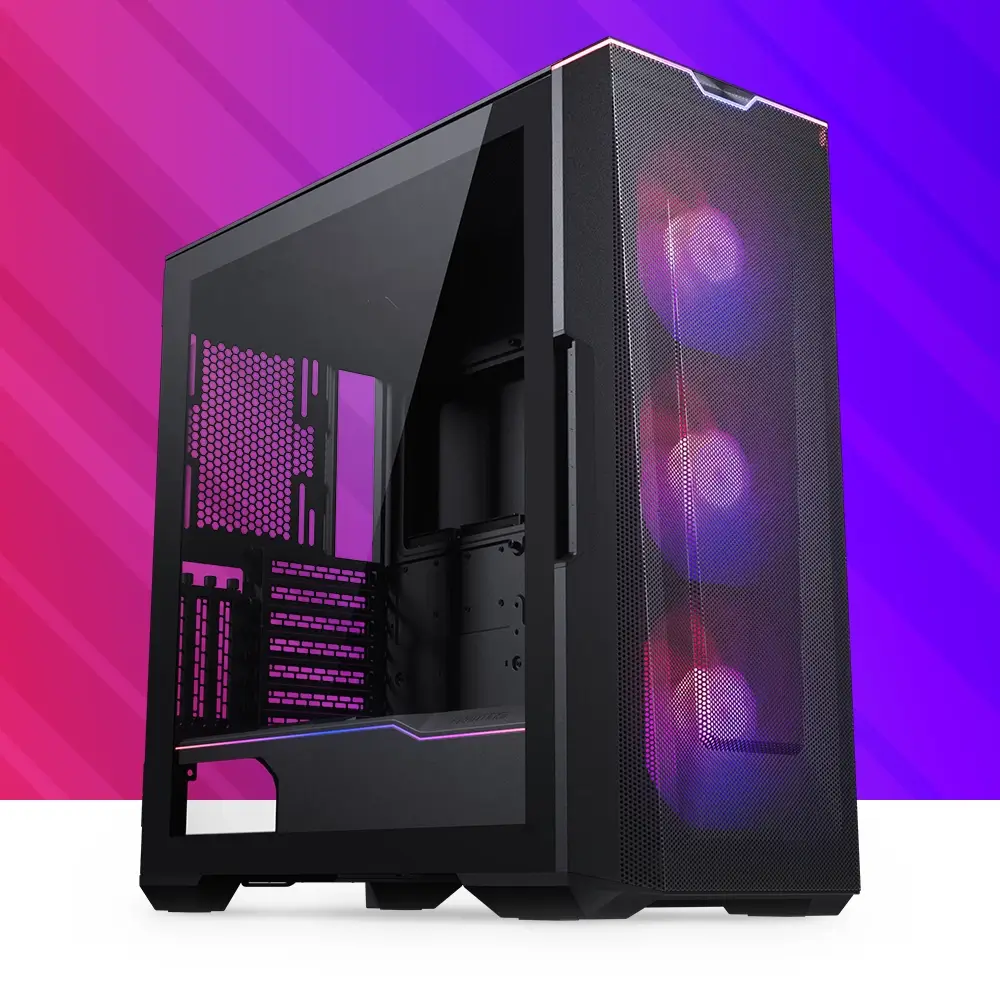
Eclipse G400A
Spacious D-RGB Gaming Chassis
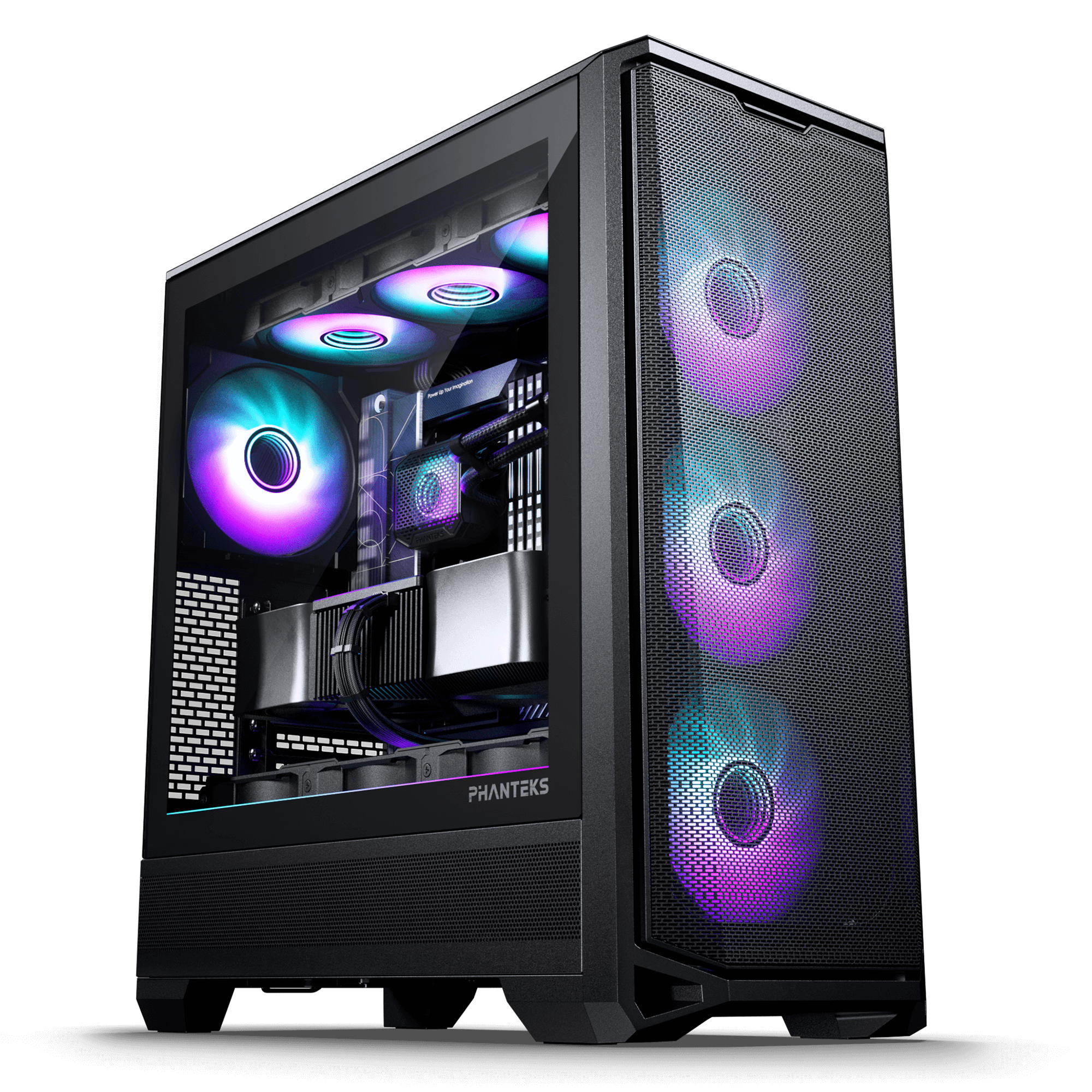
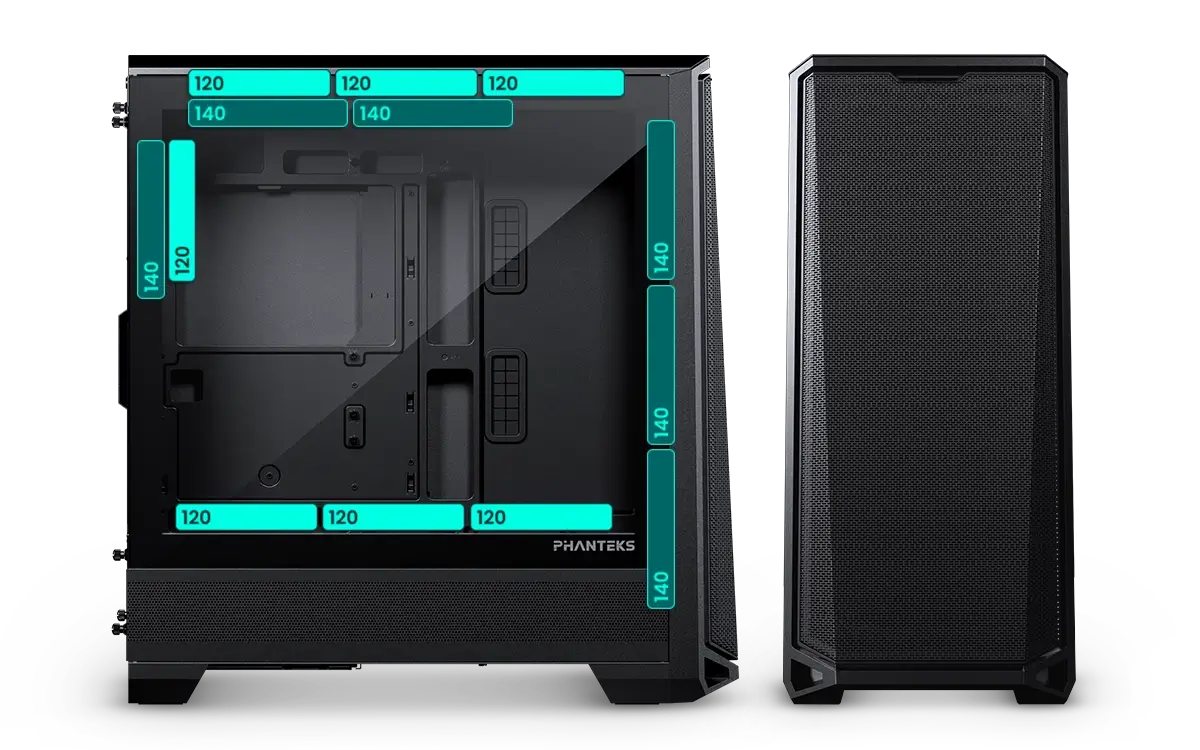
The G400A is the upgraded successor to the popular P400A, featuring a completely redesigned and more spacious chassis. It’s perfect for clean, modern hardware setups, easily accommodating even the largest graphics cards while leaving ample room for cable management. With up to 10 fan mounting points, support for 140 mm fans, and dedicated radiator space at the top, cooling performance has been significantly enhanced.
The G400A also supports the latest mainboards, with rear-side connectors hidden to enable a cable-free appearance. Additionally, the graphics card benefits from direct cooling via three 120 mm fan mounts on the mid-plate.
Colors





Specifications
General
Model No.
PH-EC400GA_DBK01
UPC Code
886523303558
Case Dimensions
495 x 230 x 522 mm | 19.5 x 9.05 x 20.55 in
Form Factor
Mid-tower
Mainboard Support
*E-ATX | ATX | Micro-ATX | Mini-ITX
*Up to 280 mm wide
Rear ATX Mainboard Support
MSI Project Zero | ASUS BTF | Gigabyte Project Stealth
Materials
Steel chassis | Tempered glass
Side Window
Yes
PCI Slots
7
Vertical GPU Support
3-slots
Riser Cable sold separately
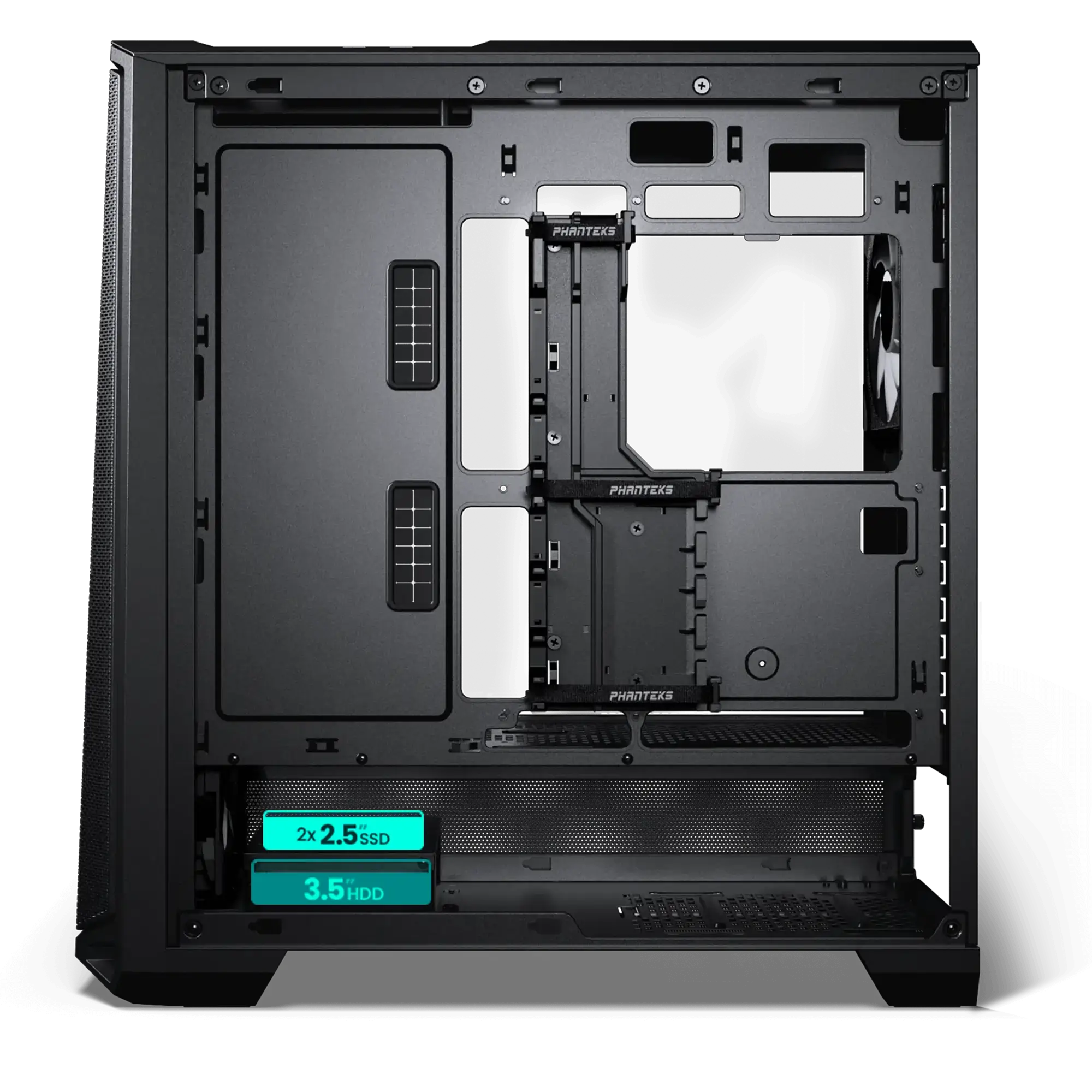
Internal 2.5″ Bay
2
+ 1x 3.5″ HDD
Internal 3.5″ Bay
2
+ 0x 2.5″ SSD
Front I/O
1x USB 3.0
1x USB-C 3.0 Gen2
Microphone | Headphone Combo
Reset button
Power button + LED
Fans 120 | 140
Total Fans
7x | 6x
Top
3x | 2x
Front
– | 3x
3x 140 Pre-Installed
Side
– | –
Rear
1x | 1x
1x 140 Pre-Installed
Bottom
3x | –
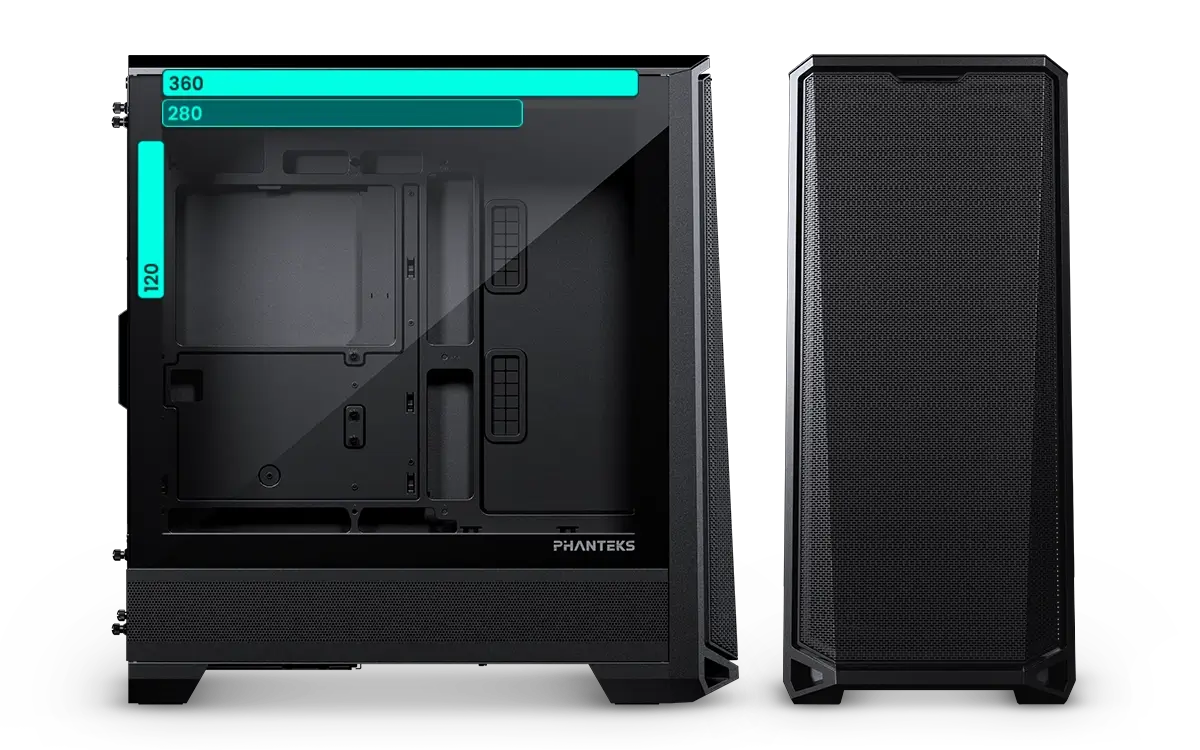
Radiators 120 | 140
Top
Max. 360 | 280
Front
– | –
Rear
120 | –
Bottom
– | –
Clearance
CPU Cooler
Height
184 mm | 7.24 in
GPU
Length
415 mm | 16.33 in
GPU
Width
184 mm | 7.24 in
Power Supply
Length
270 mm | 10.60 in
Top Radiator
Length x Width x Height
360 Radiator
415 x 138 x 60 mm | 16.33 x 5.43 x 2.36 in
280 Radiator
360 x 147 x 65 mm | 14.17 x 5.78 x 2.55 in
Rear Radiator
Length x Width
170 x 132 mm | 6.69 x 5.19 in
Extra
Scope of Delivery
1x Eclipse G400A chassis
4x M25G2-140 fans (Pre-installed)
1x D-RGB mainboard adapter
Accessory Box
30x Zip ties
4x Screw cover corner L
4x Screw cover corner R
4x Screw cover bridge
Screws
18x Mainboard | SSD screws
4x Power supply screws
8x HDD screws
12x 30 mm fan screws
1x Mainboard stand-off
1x Stand-off removal tool
1x Extra R-side panel screw
Support
FAQ
Most products have their product manual in the accessory box or directly printed on the packaging if the installation only contains a few steps. For the latest version, we always recommend checking the online manual, which can be found under the support section of the product page.
Because there are many different GPU sizes, it is always recommended to check the GPU clearance beforehand. If the length of the GPU fits within the clearance numbers, the GPU should fit neatly. This information can be found within the ‘Specifications’ section on the product page.
The Phanteks website provides product information, specifications, features, compatibility information, manuals, downloads, and other resources for Phanteks products.
The Phanteks website is designed to provide product information and support. Products are available through authorized retailers and distributors. If you live within the USA, please visit our official online store: phanteks.store
Visit the product page for the product you are interested in. Product pages contain available specifications, features, compatibility information, downloads, and other relevant product details.
Compatibility information is provided on the corresponding product page where available. If you cannot find the information you need, contact our support team.
Product dimensions and other physical specifications can be found on the individual product page under the ‘Specifications’ section.
Information for discontinued products, also called ‘End of Life’ EoL for short, may remain available on the Phanteks website for reference. Availability of documentation and support may vary by product.
Product manuals can be found on the individual product page under the ‘Support’ section.
If you cannot find the information you are looking for, please contact our support team with your product name or model number.